
Change Title of your site
DASHBOARD —>SETTINGS —> GENERAL
Add an Image to your site
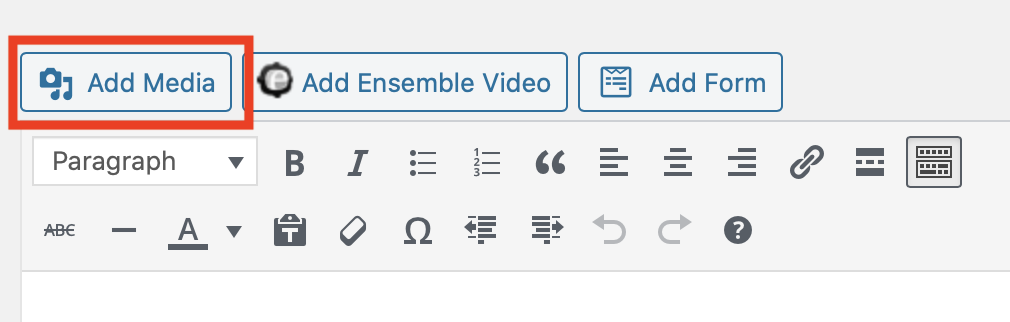
Click the “Add Media” button.
Then the UPLOAD tab in the top left.
Be sure to fill in the ALT tag
Add a video to your site
- Upload vis DropBox Link – https://bowdoin.ensemblevideo.com/Dropbox/PublicSociology
- You will get an email form Ensemble, once the video has been processed
“Hello, you submitted Dog Barking to the Public Sociology Dropbox. Here is a permalink to the video: https://cloud03.ensemblevideo.com/Watch/fSQfDkGLBEOBhuyZaQmJuw
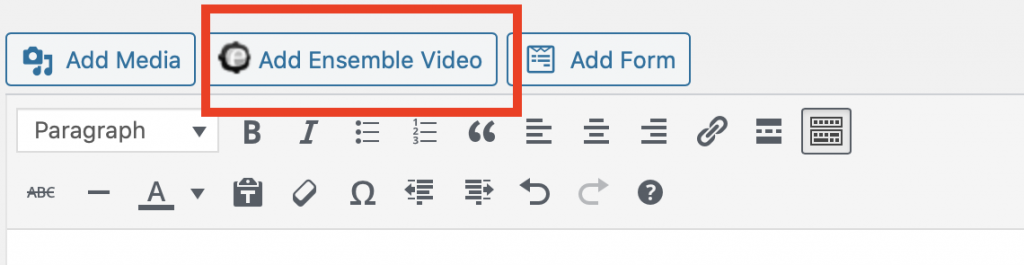
Take the long gibberish sting at the end of that URL (in this case fSQfDkGLBEOBhuyZaQmJuw) to use for your “Content ID” (next step) - To add a video, you will get the Ensemble “Content ID” from inside of Ensemble and then when you are editing this page you will click the “Add Ensemble Video” button to insert it.
[ensemblevideo contentid=fSQfDkGLBEOBhuyZaQmJuw]