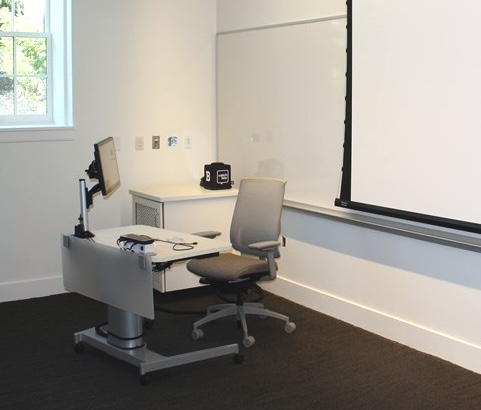
These sessions are open drop‑in times for faculty to explore and test the new classroom technology coming next fall to the remaining classrooms on campus.
What is the change?
The classroom computer will be removed, and instead you’ll use your own laptop with a single USB‑C cable that provides both power and projection. Stop by to try it out, see how it works with your setup, and ask questions before the fall semester.
Sessions
All sessions will be held in Jewett Hall 102. Contact Sherri Castanzo in IT to schedule a time during one of these sessions.
- Tuesday, May 12 — 10:00–11:00 am
- Thursday, May 14 — 2:00–3:00 pm
- Friday, May 15 — 11:00 am–12:00 pm
- Monday, May 18 — 10:00–11:00 am
- Wednesday, May 20 — 2:00–3:00 pm
- Thursday, May 21 — 9:00–10:00 am
On‑demand how‑to videos for classroom technology
Mac OS
- Connecting and disconnecting a Mac to a classroom Apple TV using Airplay
- Connecting and disconnecting macOS to a room’s AV system by cable
- Connecting and Disconnecting macOS to an Apple TV using the Ditto app
- Installing the Ditto Connect app on a Bowdoin-issued Mac laptop
Windows
- Connecting and disconnecting Windows to a room’s AV system by cable
- Connecting and disconnecting Windows to a classroom Apple TV using the Ditto app
- Installing the Ditto Connect app on a Bowdoin-issued Windows laptop
- Present Wirelessly from a Windows computer using Ditto